
SHAREit
SHAREit is a free Windows app from the SHAREit Team for moving photos, videos and documents between a PC and a phone. The current version is 5.1.0.7.
22.7 MB

RaiDrive is a free Windows tool from OpenBoxLab that mounts cloud storage and remote servers as drive letters in File Explorer.
Average 0.0 · ratings: 0
Thank you! Your rating is saved; you can change it. Could not save the rating. Please try again later. Too many ratings from your network today. Please try again tomorrow. The average appears after 5 ratings.
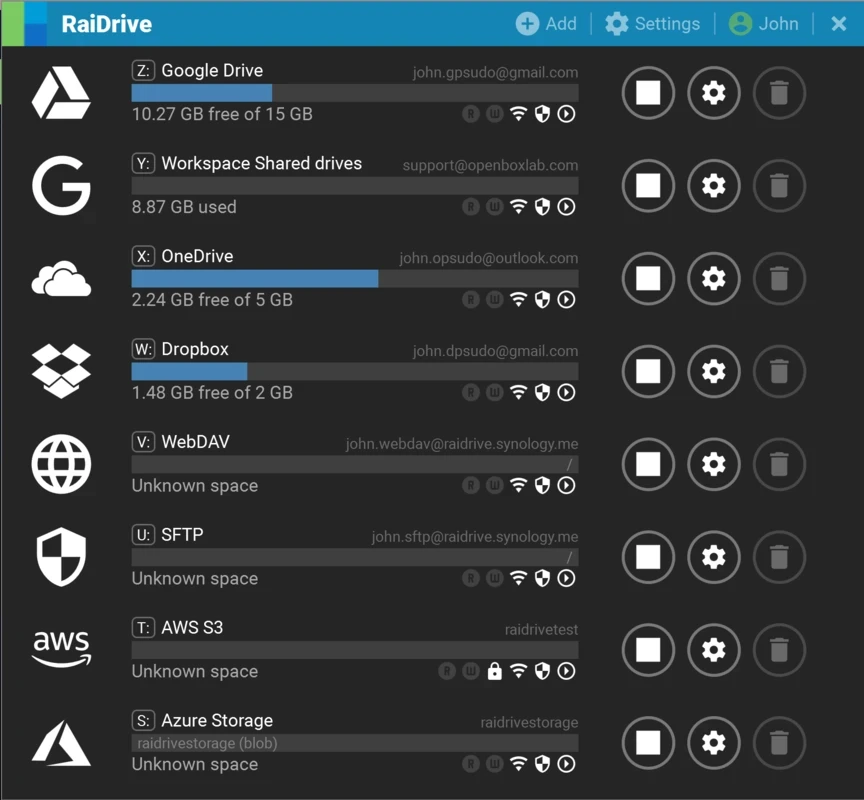
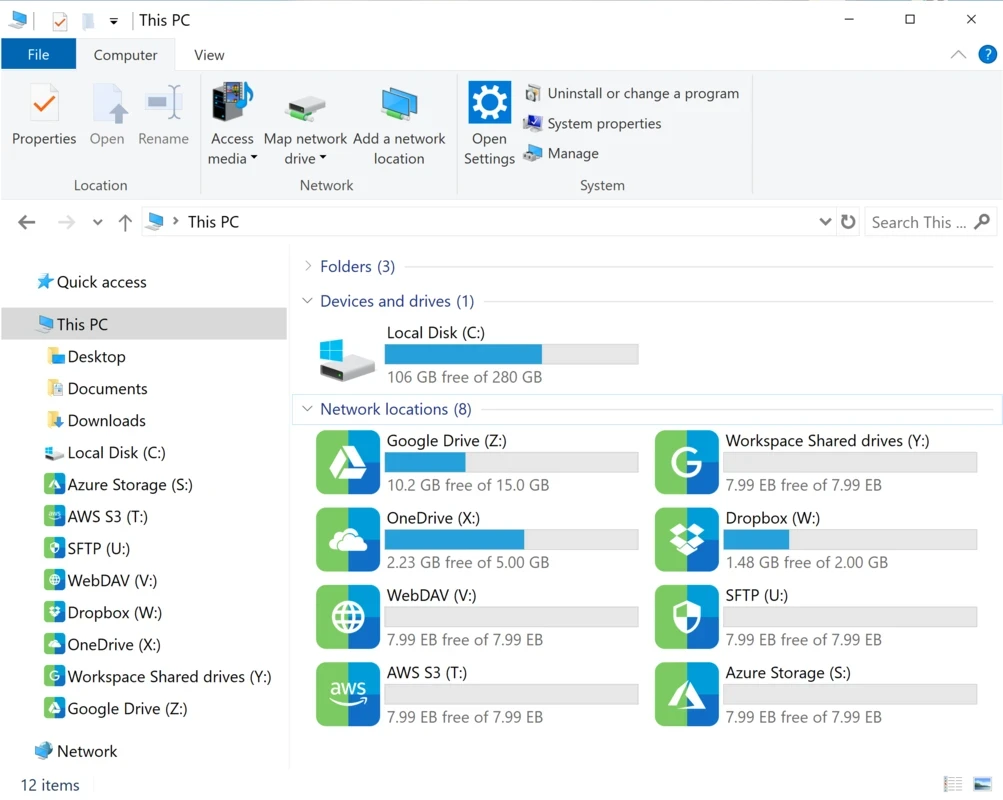
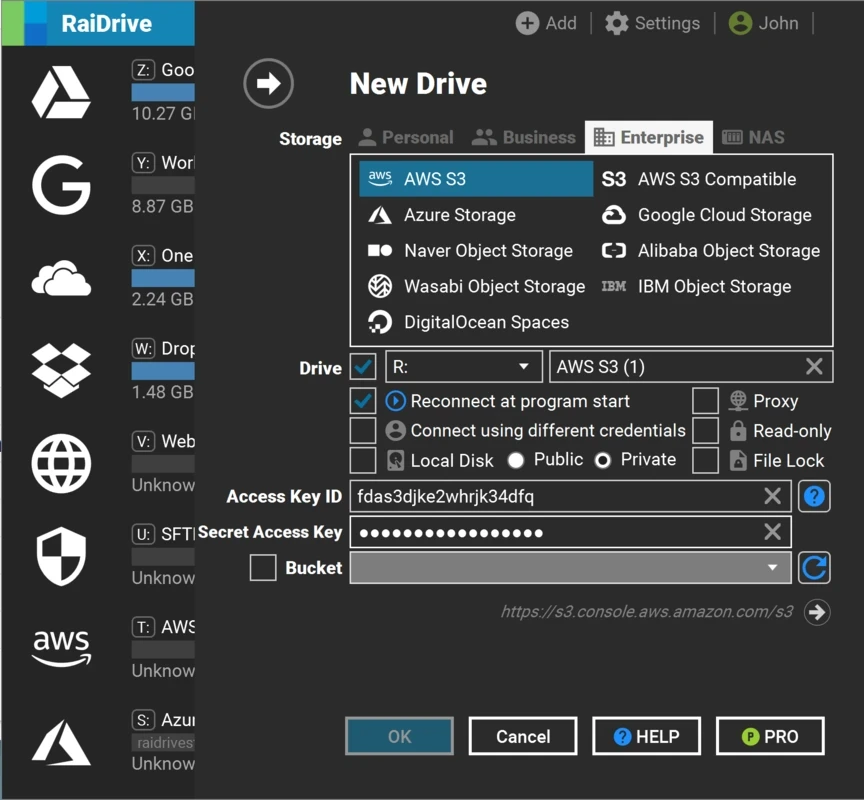
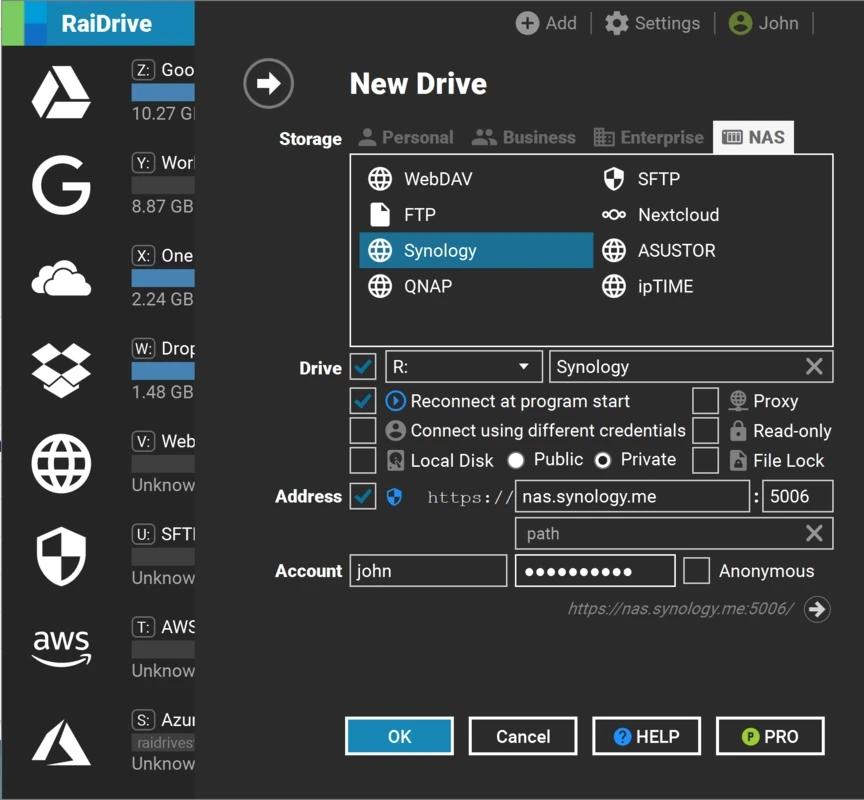
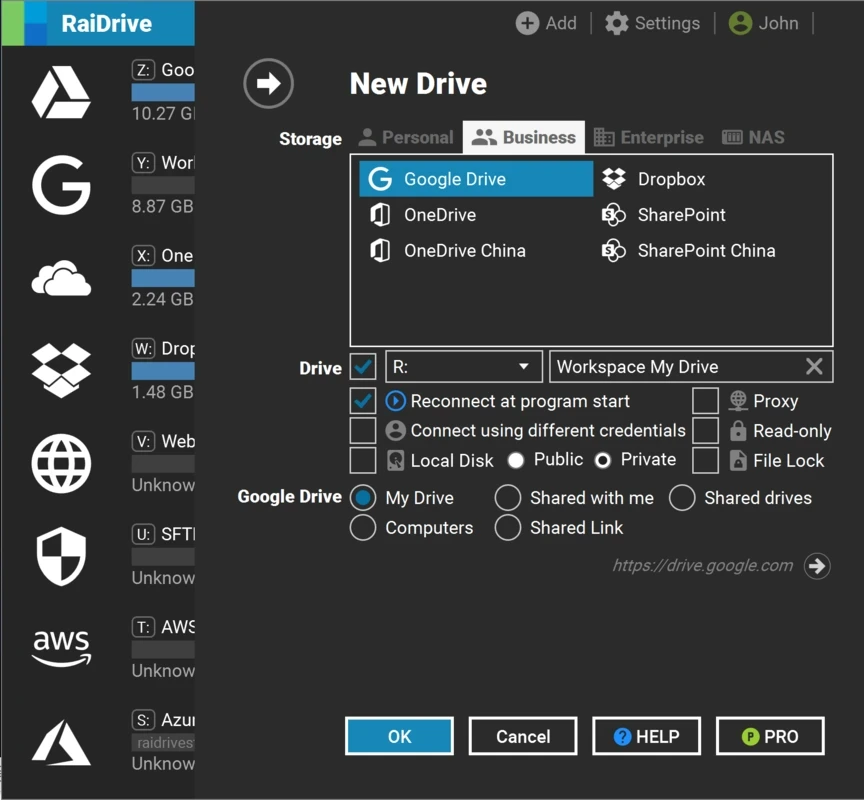
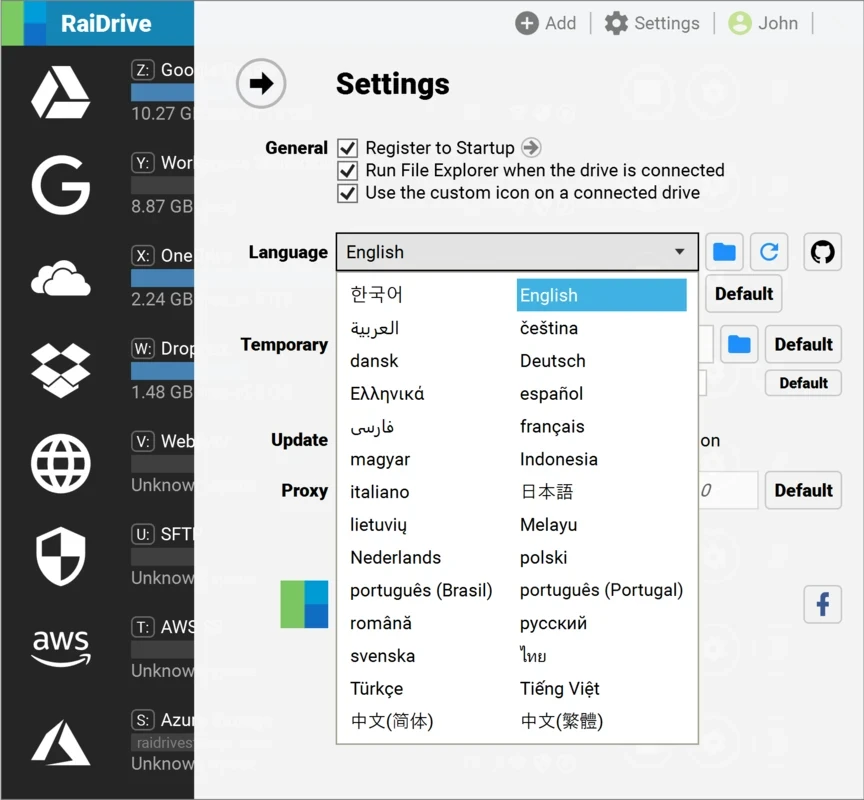
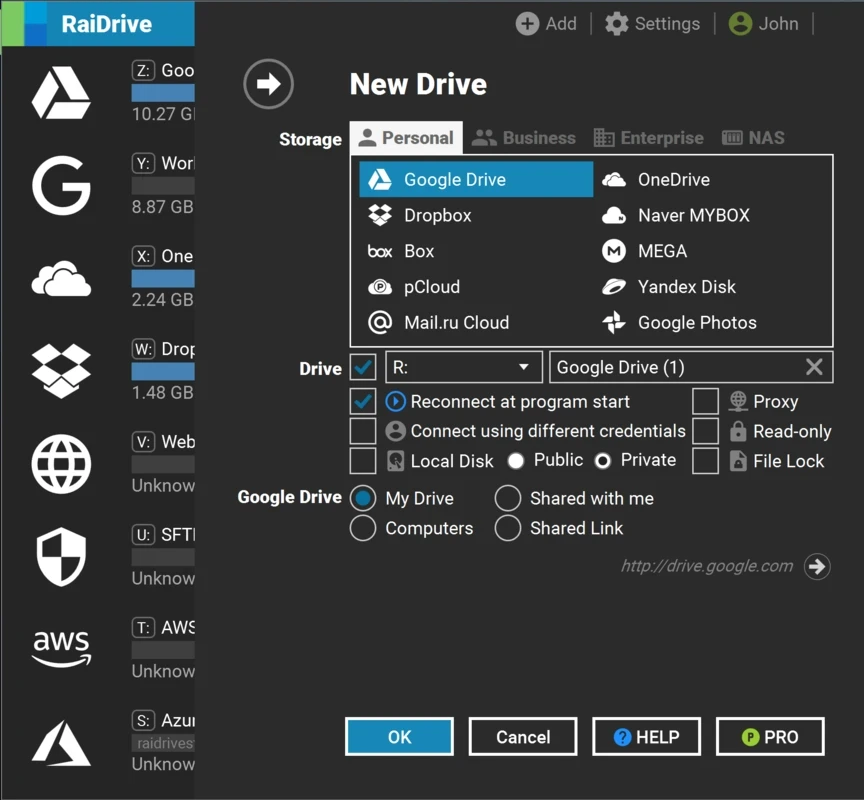
RaiDrive 2025.12.0 is a connector for remote storage from OpenBoxLab. It mounts cloud drives and file servers as ordinary drive letters in Windows File Explorer, so you can open, save and copy files there with any program, just like on a local disk. It is free, and you can download RaiDrive for Windows from raidrive.com.
RaiDrive is aimed at people whose files are spread across several places: a cloud drive for personal documents, a company storage for work, a home NAS for photos, an FTP or SFTP server for a website. Normally each of them has its own app or web interface, and not all programs can save directly to them. With RaiDrive each storage appears as a drive in File Explorer. A designer can open a file from a cloud folder directly in an editor, a web developer can edit files on a server as if they were local, and an office user can reach a shared storage without syncing everything to the laptop. Because files are fetched when you open them rather than copied in advance, a large cloud account does not fill up a small SSD. The trade-off is that speed depends on your connection, and opening a big video over a slow line takes time. If you want a complete offline copy of your files, a classic sync client is the better fit.
| Item | Details |
|---|---|
| Version | 2025.12.0 |
| Developer | OpenBoxLab |
| Platform | Windows; Windows Server 2012R2+; separate builds for Linux |
| Licence | free |
| Size | about 34.67 MB according to catalogue data |
What changed in each build is listed in the RaiDrive release notes.
For transferring files to servers, our listings include WinSCP and FileZilla. iCloud handles Apple's cloud storage on Windows, and Tailscale connects your own devices into a private network where you can share folders.
SHAREit is a free Windows app from the SHAREit Team for moving photos, videos and documents between a PC and a phone. The current version is 5.1.0.7.

Zapya for Windows is a free file transfer app from DewMobile for moving files between a PC and phones over a local wireless connection.

Easy Connection to Screen is Samsung's Windows app for showing a PC's screen on a compatible Samsung TV over a wireless connection.

Internet Download Manager (IDM) is a shareware download manager for Windows from Tonec that accelerates, resumes and schedules downloads.

uTorrent (μTorrent) is a small BitTorrent client for Windows from Rainberry (BitTorrent Inc) for downloading and sharing files over torrents.

AnyDesk is a remote desktop application for connecting to and controlling another computer over the internet, from a small Windows program.

ShareMe is Xiaomi's free app for sending files between devices without a cable; on Windows the Android app runs only inside an emulator.

Xender is a free file sharing app from the Xender File Sharing Team for sending files between phones and computers over a local connection.